Once the installation is complete, you need to request the final payment Invoice. Click the "Invoice" button in the lower right of the job window.
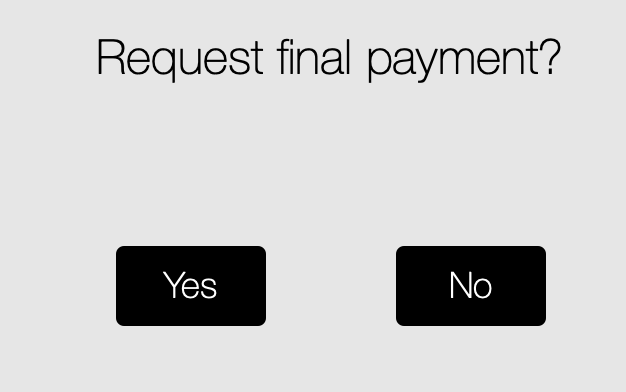
You are then prompted to request final payment. Tapping "Yes" will generate an email containing the final invoice to the client. You will then need to confirm if the invoice was sent.
Accepting final payment is the same process as accepting the deposit payment (see Accepting a deposit payment).