To accept or decline a quote, click the corresponding buttons in the workflow bar at the bottom of the screen.

If declining, you will be prompted for a date and reason. If accepting, there is an option to cancel if this has been done in error.
Continuing to accept the quote will prompt to invoice for a deposit.

Click the "Invoice" button to send a PDF of the invoice to the client. This will upload the invoice to Xero and compile an email which looks similar to this:
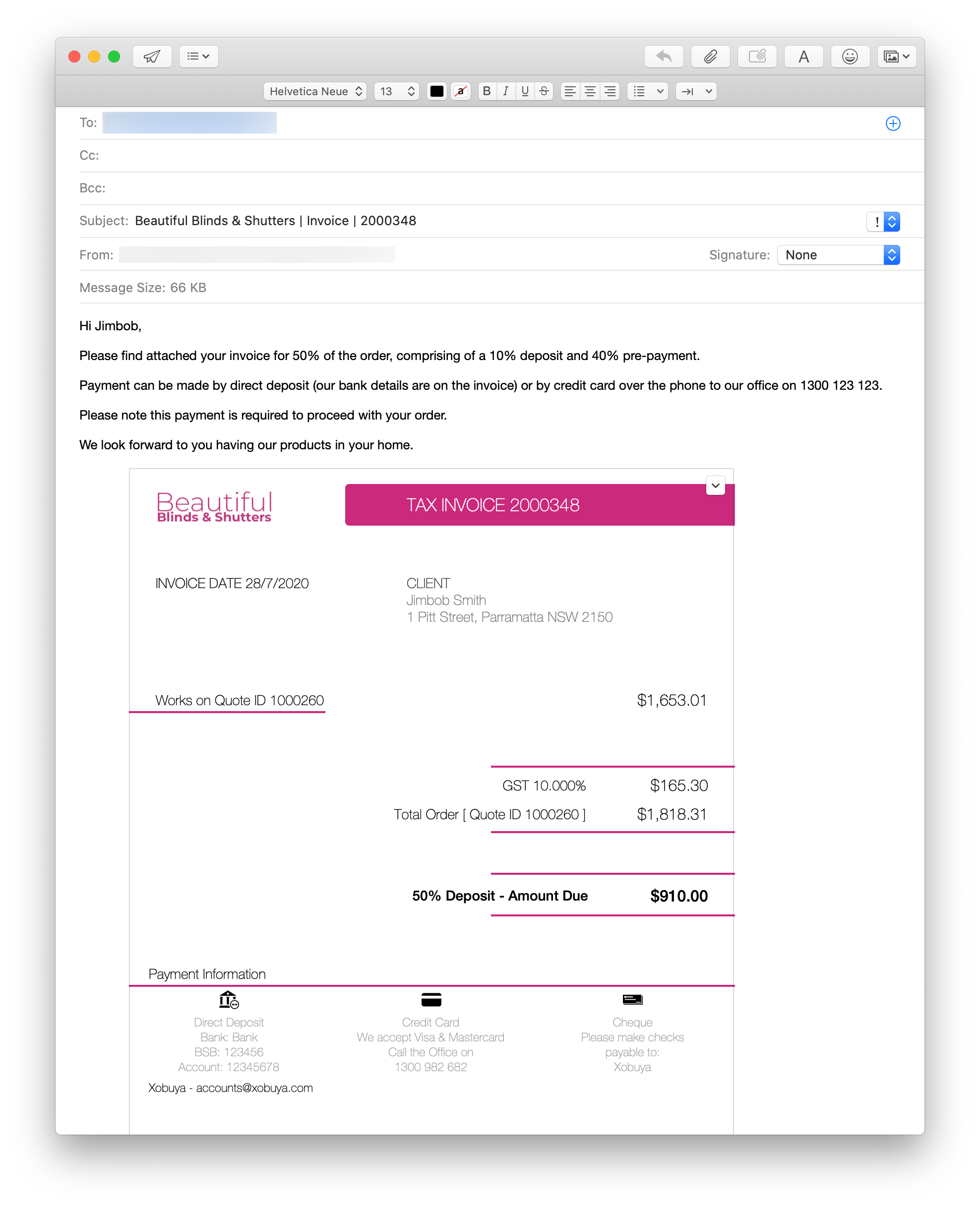
N.B. if using a Windows™ email client, the PDF may only appear as an attachment to the email.
If a check/measure is required, you will now be asked to book it. Clicking "Yes" will create an event in the calendar (see Create booking).