In Team settings you can enter your team and their details. You can select/deselect existing team members depending on their availability. Team members who have left should be de-activated.
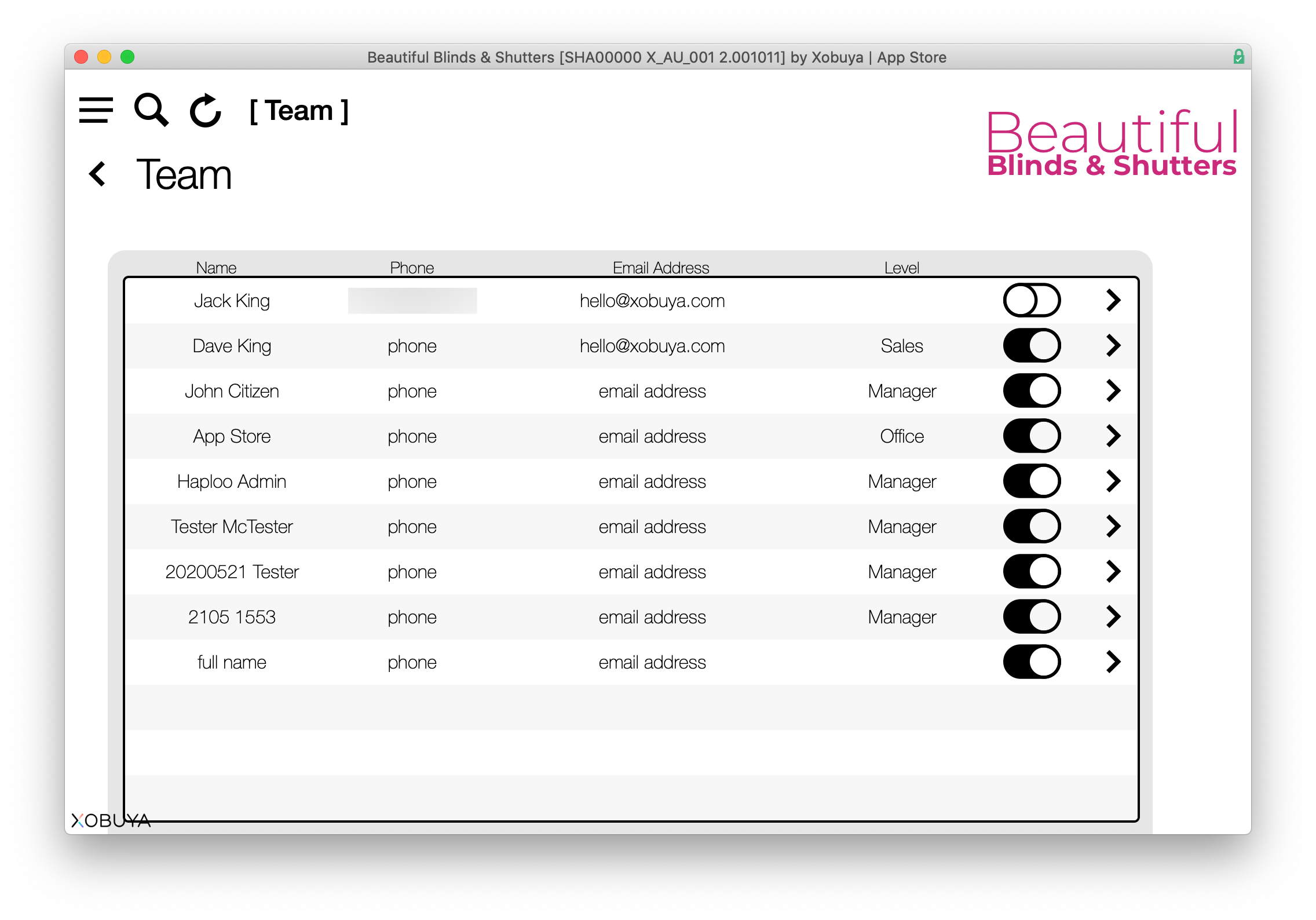
Clicking the arrow takes you to the team member's page, where you can enter the individual's details, commission, sales targets, state, area and team (if applicable).
Preferences are also available for the UI mode (dark or light) and whether or not to display quote hints (the red arrows indicating mandatory fields in quotes).

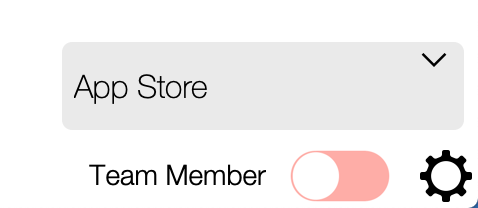
Managers can switch between details of their team members and company details by toggling the Team Member/Company switch in the lower right corner of the main menu.