Add devices for people here.
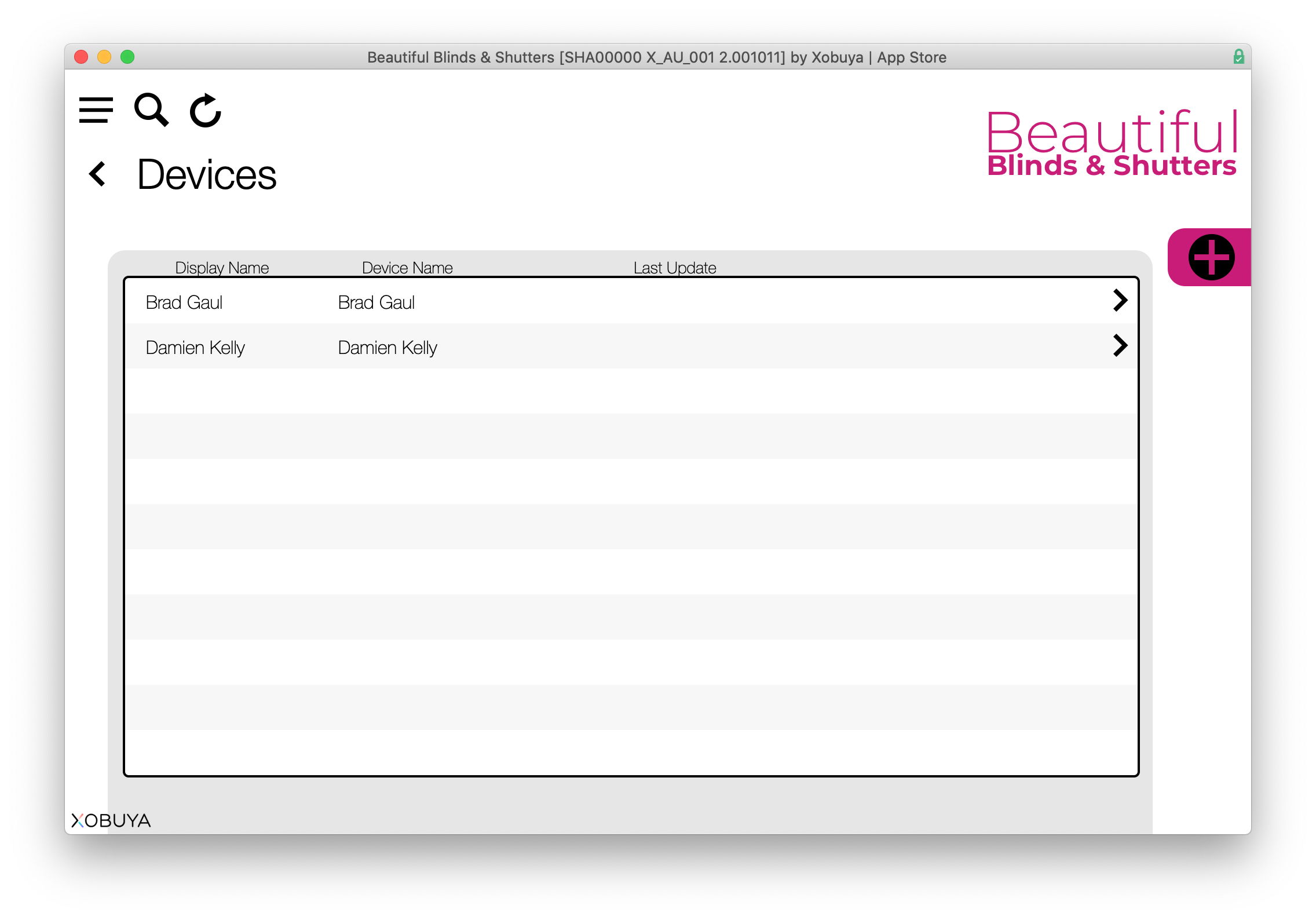
To add a new device, click the '+' icon on the upper right side of the screen and enter the details on the following screen:
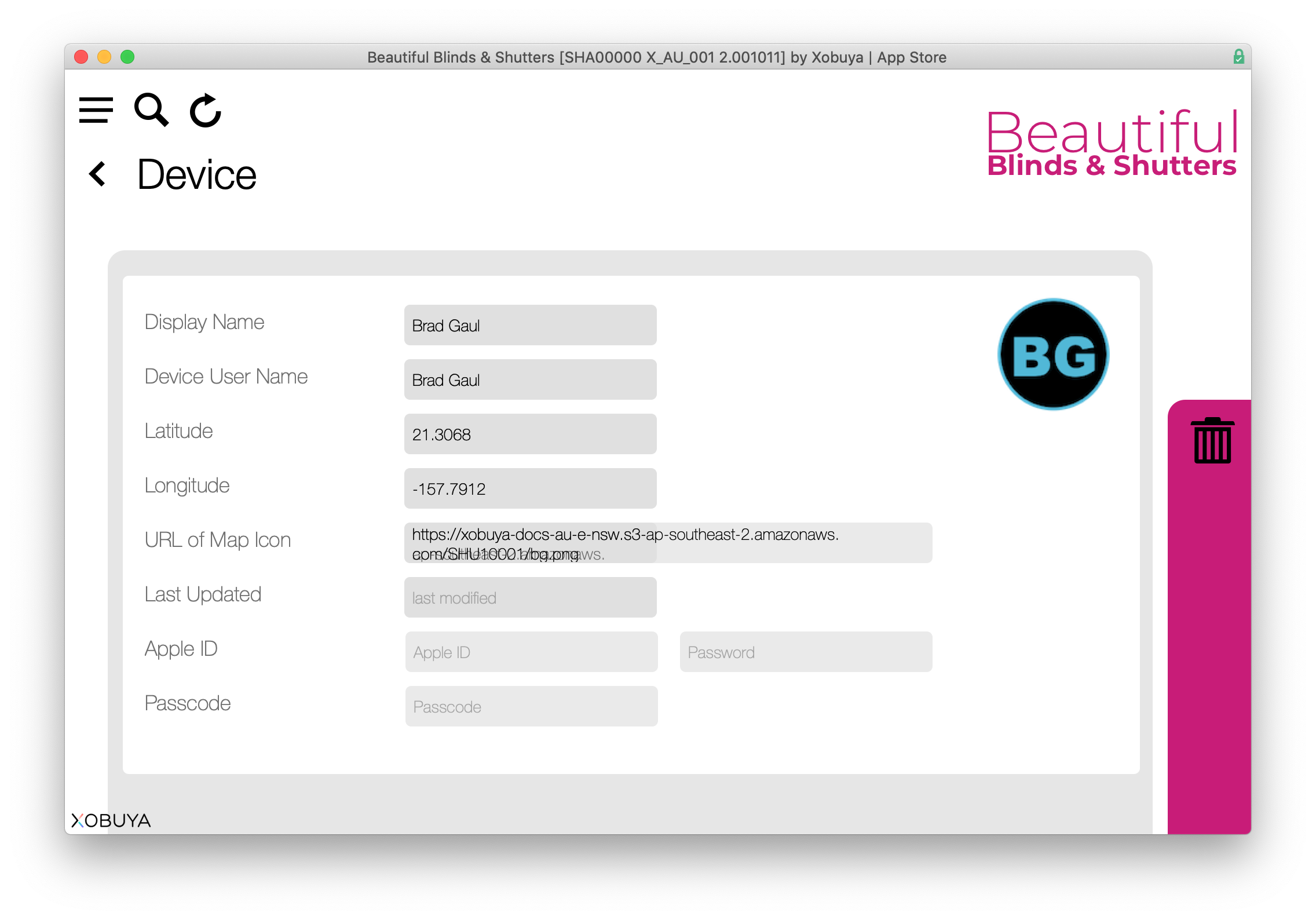
These details are entered so if someone's iPad registers a latitude and longitude location in the system, Xobuya will display their icon (top right) on the map.
The lat/long is auto populated by iPhone/iPads in the field. Device names should only be edited in Xobuya > Settings > Devices so it matches to the device name on the iPhone/iPad under: Settings > General > About > Name (this must be the same as the user name, ie - John Smith).
Other items are just data points, typically the company owns the iPad so they would create an Apple ID and also set the passcode (mainly stored for future reference).