Automations allows managers to set up an automation based on certain criteria, for example, sending a client an SMS after they have paid an invoice.
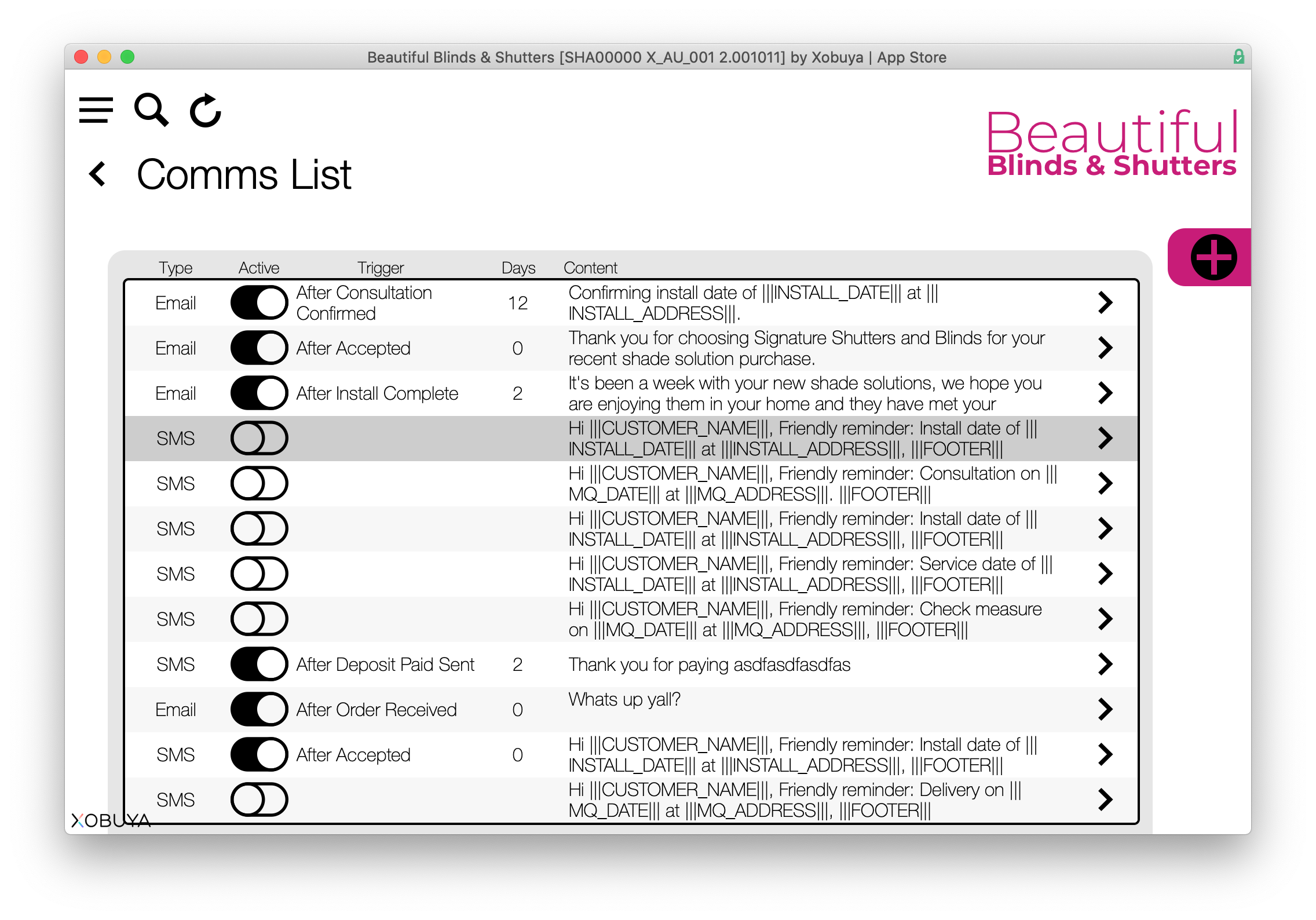
The initial screen shows all of the current automations, any of which can be enable/disable via the toggle switch. To create a new automation click the '+' icon in the upper right of the screen.

The details allows managers to select the method of communication, choose when to trigger, delay send (in days) and edit the subject and message.